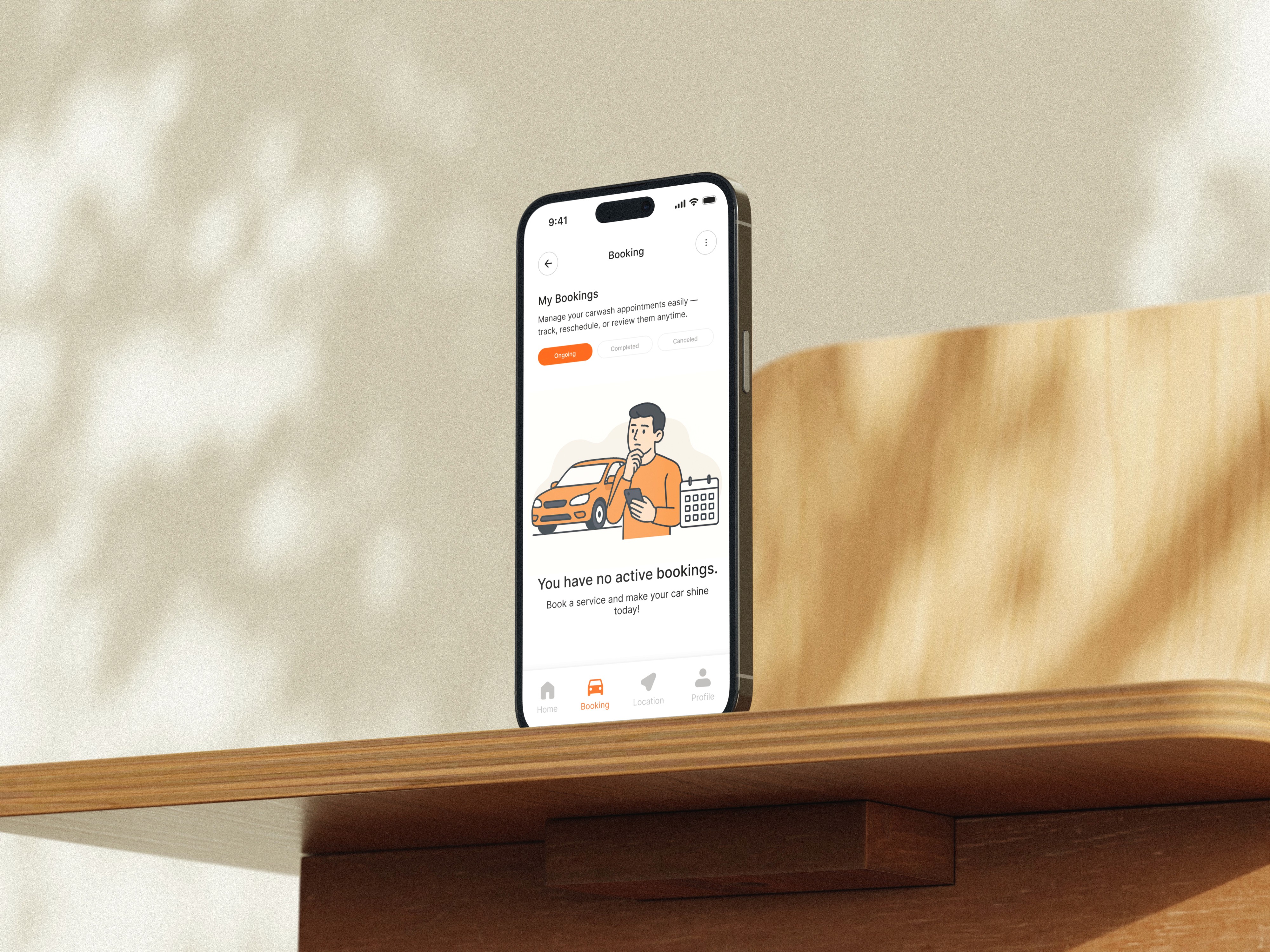
Washly Mobile App
Designing a seamless mobile experience for effortless, location-based car wash bookings.
Client:
Dummy Project
Date:
October 18, 2025
Type:
Mobile App
Role:
UI/UX Designer

Overview
Background Company:
Washly is an on-demand car wash service that allows users to book a wash directly to their preferred location—home, office, or anywhere else. Unlike traditional car wash services, Washly delivers speed, flexibility, and a seamless digital experience. Users simply choose a service package, enter their location, and a technician arrives at the scheduled time.
Washly aims to solve long queues, unpredictable service quality, and time constraints by offering a premium, transparent, and user-friendly mobile experience. havior-based automation. The platform empowers lean teams to act like full-scale marketing departments—with no complex setup required.
Core Features:
Order Wash at My Location – technicians come directly to the user’s address
Transparent Service Details – clear pricing, duration, and included services
Flexible Scheduling – choose the date and time that fits the user’s day
Multiple Payment Options – fast and secure digital payments
Real-Time Booking Status – track ongoing, completed, or canceled bookings
Reschedule & Location Management
Friendly Illustrations & Modern UI to build trust and comfort
Target Users:
Busy professionals with limited time
Families who prefer convenient home service
Car owners seeking hassle-free maintenance
Anyone who values premium service and convenience
Fonts:
Simple, friendly, modern, and trustworthy. Clear communication that makes the user feel guided and confident.
Colors:
Rumahin's palette reflects Bali’s landscapes—lush, tropical, and warm:
Header 1 | Header 2 |
|---|---|
Primary Brand | #FC5800 |
CTAs / Buttons | #FC5800 |
Background | #FFFFFF |
Text | #2C2C2C |
My Task:
Design a mobile interface for Washly that effectively communicates:
What each service includes
How the booking process works
Why the user can trust Washly
How to get started with minimal effort
Key Sections to Include:
Home Screen (Hero Section)
Service Detail Pages
Booking Flow
Booking Status Dashboard
Success Screens
Profile & Settings
Focus On:
Clean, mobile-first design structure
Strong visual hierarchy
Seamless, low-effort booking flow
Trust-building illustrations
Conversion-focused layout
Consistent spacing, iconography, and UI patterns